Best Smart Home Devices for Seniors in Australia: Simple Buying Guide
Smart home gadgets get a bad name for being fiddly toys, but a few well-chosen ones can quietly make an older person’s home easier and safer to live in. A light that comes on by itself in the hall at night. A plug that lets you check the heater is off without getting out of the chair. A speaker that sets a reminder to take the tablets, just by asking. None of it is about being clever with technology. It is about taking small daily worries off the table.
This guide keeps it practical. We look at the handful of smart home devices that genuinely help older Australians, what each one does in plain English, and where to buy them here. The trick is to start small with one or two things that solve a real problem, not to wire up the whole house. This is a buying guide, not technical advice, and most of it can be set up by a family member in an afternoon. For a dedicated way to call for help, our guide to the best medical alarms in Australia is a good next read.
Quick answer
The most useful smart home devices for an older person are a smart plug to control a lamp or heater, a smart bulb or motion night light to light the way after dark, and a voice assistant like an Amazon Echo or Google Nest to set reminders, play the radio and make hands-free calls. Start with one that solves a real problem. You will need home Wi-Fi, and a family member to set it up. Look at Bunnings, Officeworks, JB Hi-Fi, Harvey Norman and Amazon Australia.
How the main options compare
Each device solves a particular everyday problem. Pick by the problem, not the gadget.
| The problem | The device |
|---|---|
| Worrying whether the heater or iron is off | A smart plug, to check and switch off from a phone |
| Dark hallways and night-time trips to the bathroom | A smart bulb or a motion-sensor night light |
| Remembering medication, appointments, or just feeling connected | A voice assistant (Amazon Echo or Google Nest) |
| Seeing who is at the door, or keeping an eye on things | A video doorbell or a simple home camera |
What matters most
You need home Wi-Fi
Almost every smart device talks to the internet over the home Wi-Fi, so a working Wi-Fi connection is the one thing you cannot skip. If the house does not have Wi-Fi, that is the place to start. Our explainer on what Wi-Fi is covers the basics in plain English. Once the Wi-Fi is sorted, everything else is straightforward.
Start with one thing
The mistake we see most often is buying a boxful of gadgets at once, which overwhelms everyone and ends up half-used in a drawer. Pick the single problem that nags the most, solve it with one device, and live with it for a few weeks. If a smart plug on the heater settles a daily worry, lovely. Add the next thing only when the first has become second nature.
Someone to set it up
Most of these devices set up through a phone app, which takes a family member ten or twenty minutes per device. That is the right way to do it. The older person does not need to understand the app, they just need the device to work the simple way they will use it, by voice, by a tap, or all on its own. Get the setup right once and the day-to-day use is easy.
The quiet safety benefit
Beyond convenience, some of these devices genuinely help someone stay safe and independent at home. Lights that come on by themselves cut the risk of a fall on a dark trip to the bathroom. A voice assistant can call family hands-free if someone cannot reach a phone. None of this replaces a proper medical alarm, which is still the right tool for calling for help in an emergency, but as everyday support they earn their keep.
The devices worth looking at
Smart plugs
The best place to start, and the cheapest. A smart plug sits between the wall socket and an appliance, and lets you switch that appliance on or off from a phone, by voice, or on a schedule. Put one on a lamp, a heater or an electric blanket and you can check from anywhere whether it is off, and turn it off if it is not. The TP-Link Kasa and Tapo plugs are widely sold here, work with both Amazon and Google voice assistants, and need no special hub.
May suit someone who
Worries about leaving appliances on, or wants a lamp to come on automatically each evening.
Things to check
Buy plugs sold for Australian power sockets and certified for use here. Avoid cheap imports with the wrong plug shape.
Plain-English verdict
Cheap, useful and easy. The ideal first smart device.
Smart bulbs and motion night lights
Good lighting is one of the kindest things you can add to an older person’s home. A smart bulb can be set to come on at dusk, be dimmed or brightened by voice, or switched from bed. Even simpler are plug-in motion-sensor night lights, which glow softly when someone passes in the dark. Philips Hue is the well-known smart bulb brand here, with cheaper TP-Link Tapo bulbs alongside it, and basic motion night lights are a few dollars at any hardware store.
May suit someone who
Gets up in the night, finds switches hard to reach, or would simply feel safer with lights that look after themselves.
Things to check
Smart bulbs need the light switch left on to work. For the bathroom and hallway, a simple motion night light is often the easier answer.
Plain-English verdict
A small change that makes a home feel safer after dark.
A voice assistant (Amazon Echo or Google Nest)
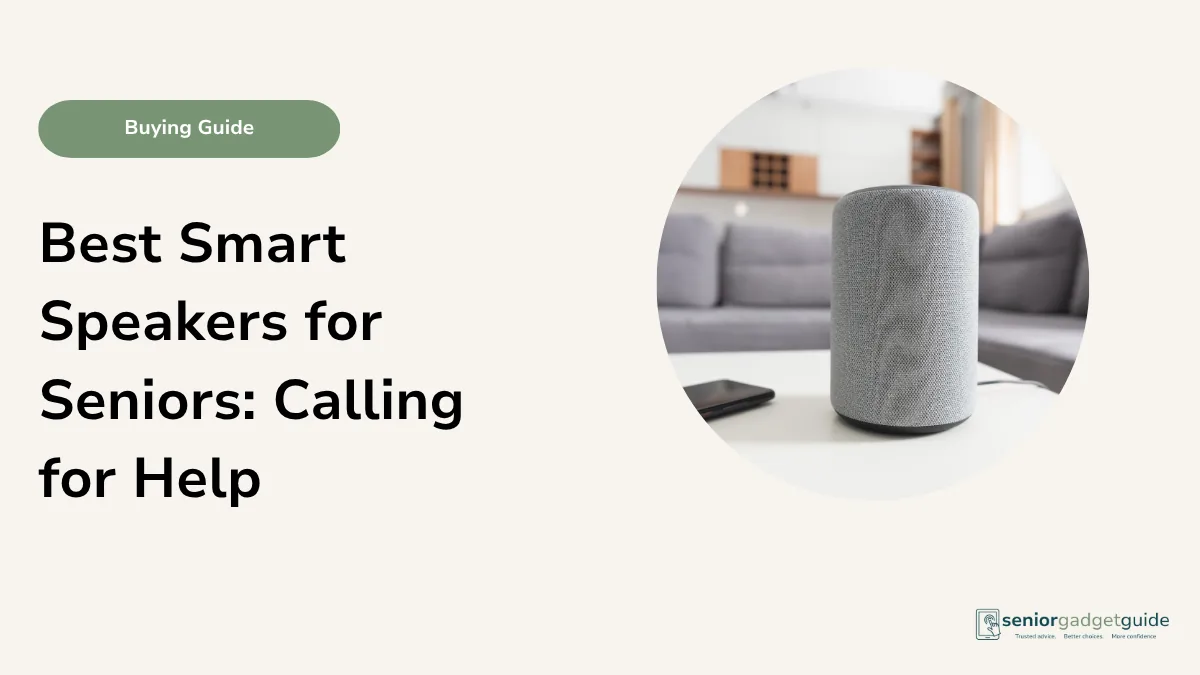
A small smart speaker like an Amazon Echo or Google Nest is the device that does the most for an older person. With a spoken word it can set a reminder to take medication, play the radio or an audiobook, read out the weather, set a kitchen timer, and call family hands-free. It also acts as the hub that controls the smart plugs and lights by voice, so “turn off the heater” becomes a sentence rather than a trip across the room. It is covered in more depth in our independent-living guides.
May suit someone who
Would value hands-free reminders, company through the radio, and an easy way to call family by voice.
Things to check
It is not an emergency alarm. It can call family, but it cannot reliably call Triple Zero (000), so keep a medical alarm for true emergencies.
Plain-English verdict
The most genuinely useful smart device for daily life. A lovely bit of company too.
Video doorbells and home cameras
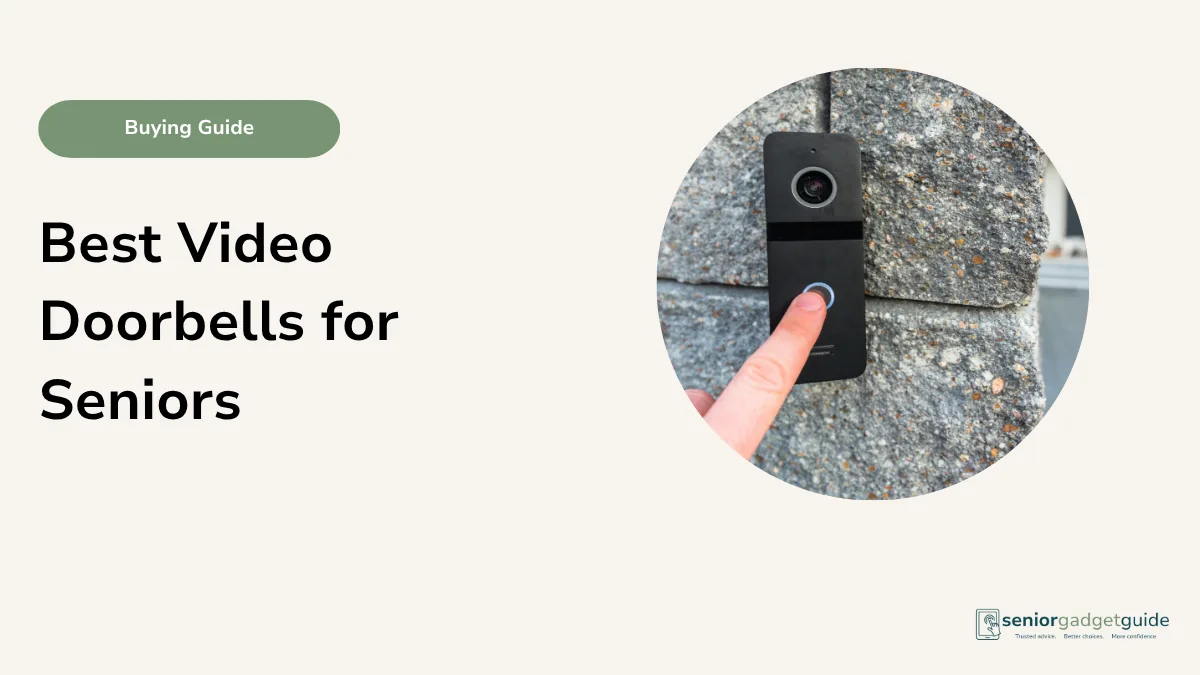
A video doorbell lets someone see and speak to whoever is at the door without getting up or opening it, which is both convenient and safer against doorstep callers. A simple indoor camera can let family check in with permission. These deserve a guide of their own, and we have one in our video doorbells guide, but they belong on any list of smart home devices that help older people.
May suit someone who
Feels uneasy answering the door, or whose family would like to keep a gentle, agreed eye on things.
Things to check
Some need a subscription for recorded video, and any camera in the home should be set up openly and with the person’s agreement.
Plain-English verdict
Reassuring at the front door, and worth its own closer look.
Quick buying checklist
- Make sure the home has working Wi-Fi first.
- Start with one device that solves a real, nagging problem.
- Buy gear made for Australian power sockets and certified here.
- Have a family member set it up through the app.
- Keep a medical alarm for emergencies. Smart devices are everyday help, not a Triple Zero (000) line.
Your rights if something goes wrong
Smart home gear is sold cheaply and often online, but the Australian Consumer Law still has your back. Any plug, bulb, speaker or camera bought from a shop comes with automatic consumer guarantees: it must be of acceptable quality, do what it is sold to do, and last a reasonable time. These guarantees apply on top of any manufacturer warranty and can outlast it. A smart speaker that stops working after fifteen months may still be the retailer’s responsibility, warranty or no warranty.
Your agreement is with the shop that sold it, so take a faulty device back there rather than chasing the maker overseas. For a minor fault the retailer may repair or replace it; for a major failure the choice of a refund or replacement is yours. Buy from a known Australian shop such as Bunnings, Officeworks, JB Hi-Fi or Harvey Norman, keep the receipt, and be a little wary of very cheap imports sold only through an overseas website, as those rights are far harder to use. If a retailer will not help, contact your state consumer affairs office or the ACCC at accc.gov.au.
Before you finish
Download the free Family Tech Safety Checklist to help check phone safety, passwords, scam messages, emergency contacts and medical alarm details.
The best overall
If you buy just one smart home device for an older person, make it a voice assistant like an Amazon Echo or Google Nest, because it helps in so many small ways every day. Add a smart plug or two to take away the worry of appliances left on, and a motion night light or smart bulb to make the home safer after dark. Start small, set it up properly, and let each device prove itself before adding the next.
Our recommendation
Start with a voice assistant for daily reminders, radio and hands-free calls, then add a smart plug for appliances and a motion night light or smart bulb for safer evenings. Make sure the home has Wi-Fi, buy gear certified for Australian power sockets, have a family member set it up, and keep a medical alarm for emergencies.
Next steps
For the bigger picture of using technology to stay safe and independent at home, see our guide to medical alarms for living alone, and if you are still getting the home online, start with what Wi-Fi is. There is more in our independent-living guides.
FAQ: smart home devices for seniors
Do I need to be good with technology?
No. A family member sets the devices up through an app, and after that you use them the simple way, by voice, a tap, or automatically. The everyday use is easy.
What is the best first device?
A smart plug is the cheapest and easiest, and a voice assistant does the most. Either is a good place to start. Pick the one that solves your biggest daily worry.
Can a smart speaker call for help in an emergency?
It can call family members hands-free, which is useful, but it cannot reliably call Triple Zero (000). Keep a proper medical alarm for emergencies. Treat smart devices as everyday help.
Do these devices need the internet?
Yes, nearly all of them use the home Wi-Fi. If the house does not have Wi-Fi, sort that out first, then add the smart devices.
Where can I buy them in Australia?
Bunnings, Officeworks, JB Hi-Fi, Harvey Norman and Amazon Australia all carry smart plugs, bulbs and speakers. Choose products certified for Australian power sockets.