
Free Family Tech Safety Checklist
A simple printable checklist for families helping an older parent stay safer with phones, tablets, passwords and scam messages.
This checklist is made for Australian seniors and families. It’s a calm, practical way to check the technology safety settings that matter most, without needing any technical know-how.
It’s handy if you’re helping a parent, partner, grandparent or older family member feel more confident with the devices they use every day.
Who this checklist is for
It’s for you if you’re:
- Looking for a simple way to review technology safety at home
- Helping an older parent set up a phone, tablet or laptop
- Worried about scam texts, passwords or confusing settings
- Checking emergency contacts or medical alarm details
What is inside the checklist
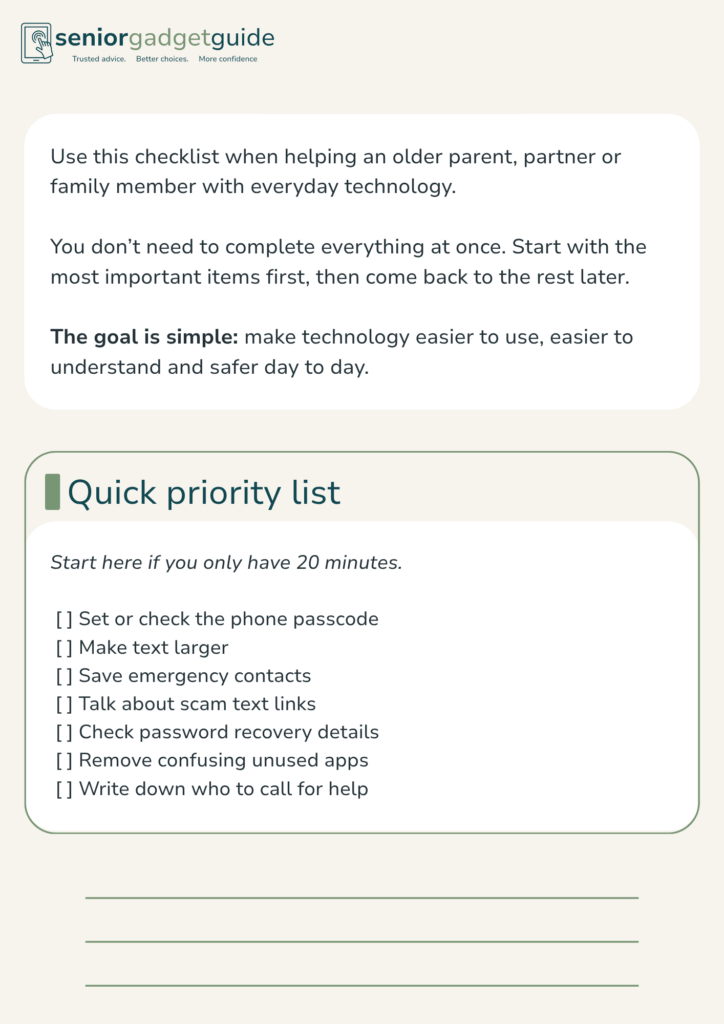
The free checklist includes:
- Basic phone and tablet safety checks
- Scam message warning signs
- Password safety reminders
- Emergency contact setup prompts
- A simple home technology review
- Questions to ask before choosing a medical alarm
- A family support notes section
It’s designed to be printed or saved as a PDF.
You don’t need to do everything in one day. Start with the first few items, then work through the rest when you have time.
Why this matters
Phones, tablets and computers are useful, but they can get confusing fast when settings, passwords, scam messages and updates start to pile up.
That’s where a short checklist helps. It keeps the focus on the basics.
You don’t need to make every device perfect. The goal is to make everyday technology easier to use, easier to understand and safer for the person using it.
Download the free checklist
Use the checklist at home, during a family visit, or when helping an older parent set up a new device.