Best Laptops with Large Screens for Poor Eyesight in Australia
When eyesight is not what it was, a bigger screen can make a laptop pleasant again. Text is easier to read, photos are easier to enjoy, and you spend less time squinting and leaning in. A large screen is one of the kindest things you can give tired eyes. But there is a twist worth knowing before you buy, because the biggest laptop is not always the best answer.
This guide covers the large-screen laptops available in Australia, how to make any screen easier to read, and the option that often beats a giant laptop altogether. We do not quote exact prices, since they change. We point you to where to check.
Quick answer
For a large laptop screen, look at a 16-inch laptop from Acer, Asus, HP, Dell or Lenovo, which is the most common big size now. A 17 or 18-inch laptop is bigger still but heavy, so it suits a laptop that mostly stays put. The biggest tip, though: a normal laptop plugged into a large external monitor, or an all-in-one desktop, usually gives a much bigger, clearer screen for the money than any laptop. And on any screen, making the text larger in Windows helps as much as the size itself. Buy from Officeworks, JB Hi-Fi, Harvey Norman, The Good Guys or Amazon Australia.
How the main options compare
| What you want | Better fit |
|---|---|
| A large screen you can still carry sometimes | A 16-inch laptop |
| The biggest laptop screen, mostly left on the desk | A 17 or 18-inch laptop |
| The biggest, clearest screen for the money | A laptop plus a large external monitor |
| A big screen and no fuss, all in one | An all-in-one desktop computer |
What matters most for poor eyesight
Screen size, and where it lives
A bigger screen helps, but size brings weight. A 16-inch laptop is a sensible large size that you can still move from room to room. A 17 or 18-inch laptop is bigger again, but it is heavy and best thought of as a laptop that stays on the desk rather than one you carry. Be honest about whether it needs to travel. If it mostly sits in one place, the screen options open right up.
Making the text larger matters as much as size
Here is something people miss. A larger screen with tiny default text is no easier than a small one. The real gain comes from a bigger screen and enlarging the text in the settings, so the words actually grow. Windows can make text, icons and the mouse pointer bigger in a few clicks. Set that up on any laptop and you will be surprised how much clearer it becomes. Our guide on making a Windows laptop easier walks through it.
A bright screen, and less glare
Brightness and clarity matter as much as raw size. A bright, sharp screen is easier to read, and a matte or anti-glare finish cuts the reflections that make a shiny screen hard work near a window. When you look at a laptop in the shop, turn the brightness up and see how it handles the lights overhead. A clear, glare-free screen is gentler on the eyes than a bigger but reflective one.
The option many people overlook
This is the tip that helps most. Any laptop can plug into a large external monitor, the kind of screen you would put on a desk, giving you a far bigger and clearer display than even the largest laptop, usually for less. The laptop sits to one side and you look at the big screen. For someone with real trouble seeing who works mostly at a desk, this beats a giant laptop comfortably. An all-in-one desktop, which builds the computer into a big screen, does the same job in one tidy piece.
The best large-screen choices
A 16-inch laptop, the practical big screen
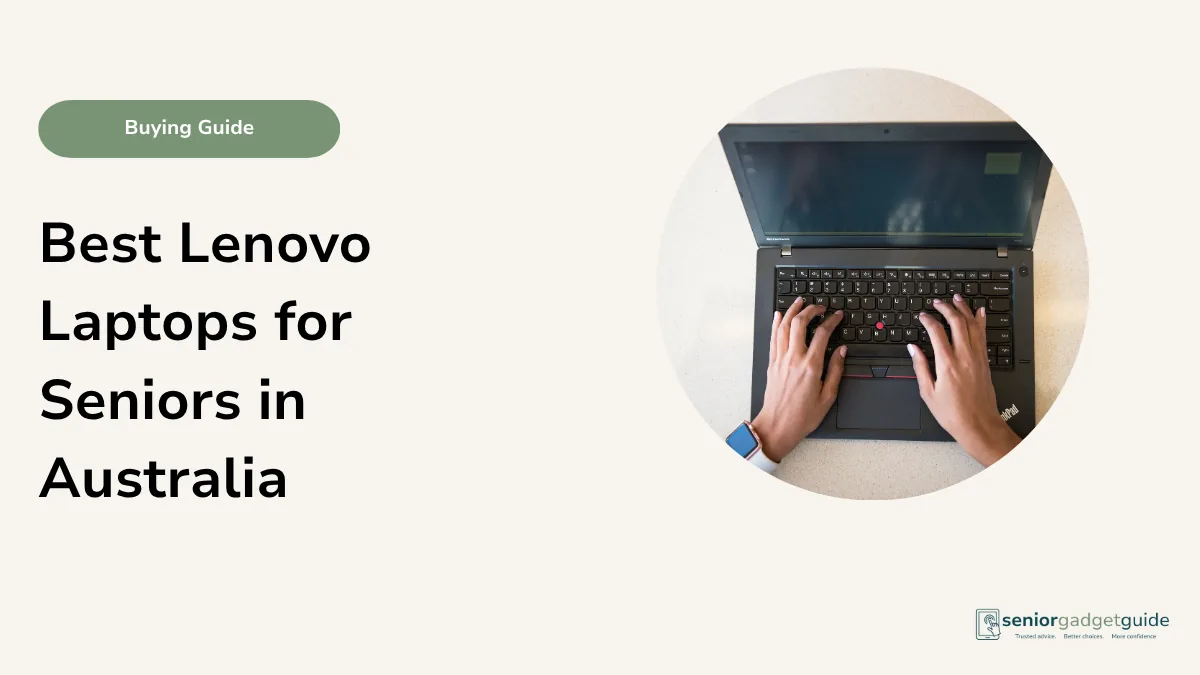
The 16-inch laptop has become the standard large size, and it is the sensible pick for most people who want a bigger screen they can still shift around. Acer, Asus, HP, Dell and Lenovo all make them at fair prices. You get noticeably more room than a typical 13 or 14-inch laptop without the bulk of the very largest. For everyday reading, email and photos with poor eyesight, a 16-inch is a comfortable, affordable choice.
May suit someone who
Wants a larger screen but still wants to move the laptop between rooms now and then.
Things to check
Look for a bright, matte screen, and enlarge the Windows text once it is set up.
Plain-English verdict
The practical large laptop for most people. Bigger, but still manageable.
A 17 or 18-inch laptop, the biggest that folds away
If you want the largest laptop screen and the laptop will mostly stay on a desk or table, a 17 or 18-inch model gives you the most to look at. Acer, Asus and HP all offer them. The trade-off is real: they are heavy, the battery tends to be shorter, and they are awkward to carry. Choose one only if a genuinely large screen matters more than ever moving it, and even then, weigh it against an external monitor.
May suit someone who
Wants the biggest laptop screen and will leave it in one place.
Things to check
The weight, and whether an external monitor would give a bigger screen for less.
Plain-English verdict
The largest laptop screen, but heavy. Often beaten by a laptop and a monitor.
A laptop plus a large monitor, the best value for eyesight
This is the one we would point most people towards. Buy a comfortable, ordinary laptop and add a large desk monitor, and you get a far bigger, clearer screen than any laptop, often for less than a giant laptop costs. You keep the laptop for the armchair, and enjoy the big screen at the desk. For someone with real difficulty seeing who works at a table, nothing else here comes close for the money.
May suit someone who
Works mostly at a desk and wants the biggest, clearest screen without overpaying.
Things to check
That the laptop has the right socket for a monitor, which the shop can confirm and set up for you.
Plain-English verdict
The best value for poor eyesight. A big clear screen at the desk, a light laptop in the chair.
Or skip the laptop: an all-in-one desktop
If the computer never really needs to move, an all-in-one desktop is worth a thought. It builds the whole computer into a large screen, often 24 inches or more, so there is one tidy piece, a big clear display, and no separate box under the desk. For an older person who sits at the same table each day and wants the easiest large screen with the least clutter, it is a lovely answer. It is just not portable, which is the one thing to be sure about first.
Your rights if something goes wrong
Whether you buy a big laptop, a monitor or an all-in-one, the law in Australia is firmly on your side. Under the Australian Consumer Law, anything you buy from a shop comes with automatic consumer guarantees: it must be of acceptable quality and last a reasonable time. These guarantees sit on top of any manufacturer’s warranty, and they can outlast it, so a screen or computer that fails too soon is the retailer’s responsibility even after the warranty year has passed.
Your agreement is with the shop that sold it, not the maker, so that is where you go if there is a problem. For a minor fault the retailer may repair it; for a major failure you can choose a refund or a replacement. Keep your receipt, and if a shop will not help you can escalate to your state consumer body, such as NSW Fair Trading or Consumer Affairs Victoria, or the ACCC at accc.gov.au. Knowing this takes the worry out of a bigger purchase.
Large-screen checklist
- A 16-inch laptop for a large screen you can still move.
- A 17 or 18-inch only if it will stay put, mind the weight.
- For the biggest clear screen, a laptop plus an external monitor.
- An all-in-one desktop if it never needs to move.
- The text enlarged in Windows on whatever you choose.
Before you finish
Download the free Family Tech Safety Checklist to help check phone safety, passwords, scam messages, emergency contacts and medical alarm details.
Best overall for a large, easy screen
For most older Australians who want a larger screen they can still move, a 16-inch laptop is the practical choice. A 17 or 18-inch laptop goes bigger but is heavy and best left on the desk. The smartest answer for real difficulty seeing, though, is often a comfortable laptop plus a large external monitor, or an all-in-one desktop, either of which gives a far bigger, clearer screen for the money. Whatever you pick, enlarge the text, which helps as much as the size.
Our recommendation
If you want one device, buy a 16-inch laptop with a bright, matte screen from Officeworks, JB Hi-Fi, Harvey Norman, The Good Guys or Amazon Australia. If the computer mostly stays at a desk, get a comfortable laptop and add a large external monitor, or choose an all-in-one desktop, for a much bigger, clearer screen for the money. On any of them, enlarge the Windows text, and ask about a Seniors Card or in-store discount before you pay.
Next steps
Set the text up first with our guide on making a Windows laptop easier. If carrying it matters more than size, see our best lightweight laptops guide. For the wider picture, see our best laptops for seniors guide and our look at laptop, tablet or desktop. All of our computer advice lives on the computers and laptops hub.
FAQ: large-screen laptops for poor eyesight
What size laptop is best for poor eyesight?
A 16-inch laptop is the practical large size and still movable. A 17 or 18-inch is bigger but heavy. For the biggest clear screen, a laptop plus an external monitor, or an all-in-one desktop, beats them all.
Are 17-inch laptops still available in Australia?
Yes, though fewer than before, as makers have moved towards 16 and 18-inch sizes. Acer, Asus and HP still offer large models. They are heavy, so they suit a laptop that stays on the desk.
Is a bigger screen enough on its own?
Not quite. A big screen with tiny text is no easier. The gain comes from a larger screen plus enlarging the text in Windows, so the words actually grow. Do both for the best result.
Would a monitor or desktop be better than a big laptop?
Often, yes, if the computer stays at a desk. A laptop plus a large monitor, or an all-in-one desktop, gives a much bigger, clearer screen for the money than even the largest laptop.
Does a matte screen really help?
It can. A matte or anti-glare finish cuts reflections that make a shiny screen hard to read near a window or under lights, which is easier on tired eyes over a long sitting.