How to Choose a Laptop for an Older Parent in Australia
Choosing a laptop for an older parent does not need to be stressful. The right laptop is not the most powerful or the most expensive. It is the one that is easy to read, comfortable to type on, and simple enough to use every day.
This guide walks through what actually matters. If you would like to see specific models first, start with our best laptops for seniors in Australia guide.
Quick answer
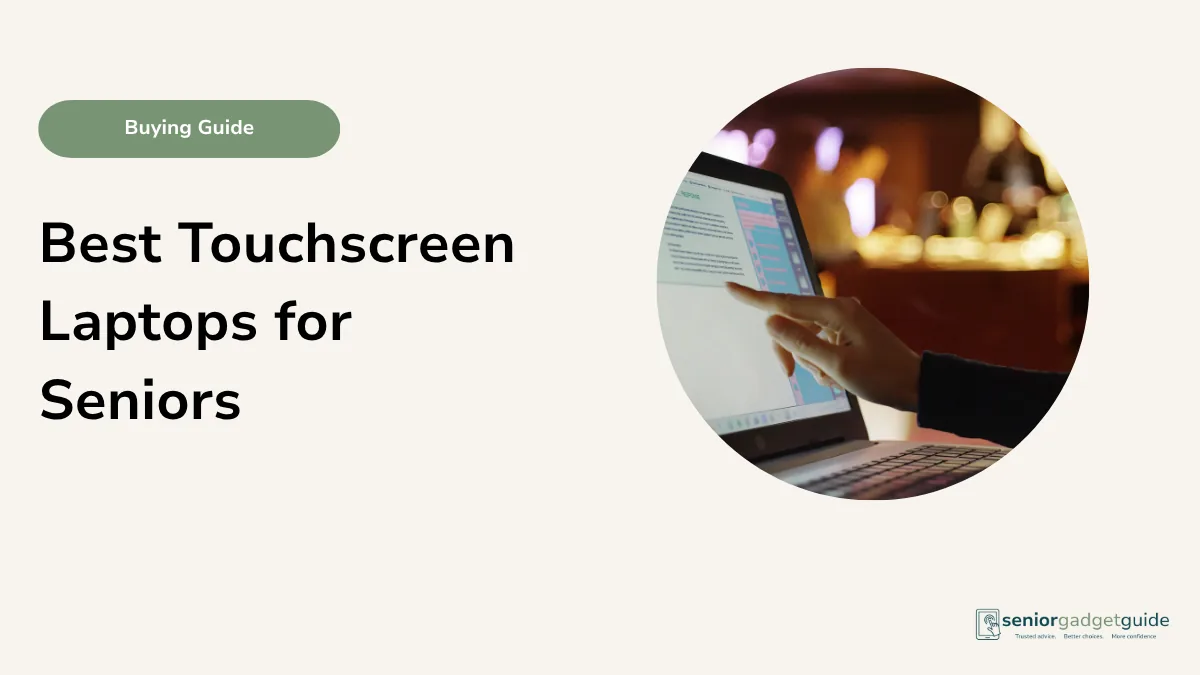
For most older Australians, a 15.6 inch Windows laptop with at least 8GB of memory and 256GB of storage is the safest choice. If the family already uses Apple, a MacBook Air can be easier to support. Buy from an Australian retailer so help and warranty are local.
Start with how they will use it
Before comparing models, think about what your parent actually wants to do most weeks.
- Email, news and browsing the web
- Video calls with family
- Online banking and forms
- Photos and documents
- Printing
If they mainly want video calls, reading and photos, a tablet may suit better. Our guide on tablet versus iPad for seniors helps you compare.
What makes a laptop easy for an older person
- A 15.6 inch screen, large enough to read without squinting
- A clear Full HD display
- A comfortable, well spaced keyboard
- At least 8GB of memory so it does not feel slow
- At least 256GB of storage for photos and documents
- A built in webcam for video calls
- Local warranty and support in Australia
Which type suits best
| What they mainly do | Better fit |
|---|---|
| Email, browsing and video calls | A mid-range 15.6 inch Windows laptop |
| They already use an iPhone or iPad | A MacBook Air, easier for the family to support |
| Reading, photos and simple browsing only | A tablet may be simpler and lighter |
| A tight budget | A reliable entry-level Windows laptop, but avoid 4GB memory |
Where to buy in Australia
Officeworks, JB Hi-Fi and Harvey Norman carry the main options in store and online, and The Good Guys and Amazon Australia are worth checking too. Buying in person lets your parent feel the keyboard and see the screen first, and gives you a local point of contact for help and warranty.
Your rights if something goes wrong
When you buy a laptop from an Australian retailer, the Australian Consumer Law gives you automatic consumer guarantees, on top of any manufacturer warranty and at no extra cost. The laptop must be of acceptable quality, match how it was described, and last a reasonable time given what you paid. These guarantees can outlast the warranty period, so a laptop that fails far too soon may still be the retailer’s responsibility even after the warranty runs out.
Your agreement is with the shop that sold it, not the manufacturer, so go back to the retailer first. For a minor fault they can choose to repair it. For a major failure, one serious enough that you would not have bought the laptop had you known, you can choose a refund or a replacement. Keep your receipt. If a retailer will not help, you can escalate to your state or territory consumer affairs body, such as NSW Fair Trading or Consumer Affairs Victoria, or to the ACCC at accc.gov.au.
FAQ: Choosing a laptop for an older parent
How much should I spend?
For email, banking and browsing, a mid-range laptop is plenty. Paying more buys speed that everyday use rarely needs. Check current pricing at the major retailers.
Is a laptop or a tablet better?
A laptop suits typing, printing and online banking. A tablet is lighter and simpler for reading and video calls. It depends on what they do most.
Windows or Mac?
Most Australian homes use Windows, so help is easy to find. A MacBook can be easier if the rest of the family uses Apple devices.
How much memory and storage do they need?
Aim for at least 8GB of memory and 256GB of storage. Avoid 4GB memory models, which feel slow over time.
Should I set it up before giving it to them?
Yes. A good setup matters as much as the model. See our guide on making a Windows laptop easier for seniors.
Before you finish
Download the free Family Tech Safety Checklist to help check phone safety, passwords, scam messages, emergency contacts and medical alarm details.