Best Medical Alarm Watches in Australia
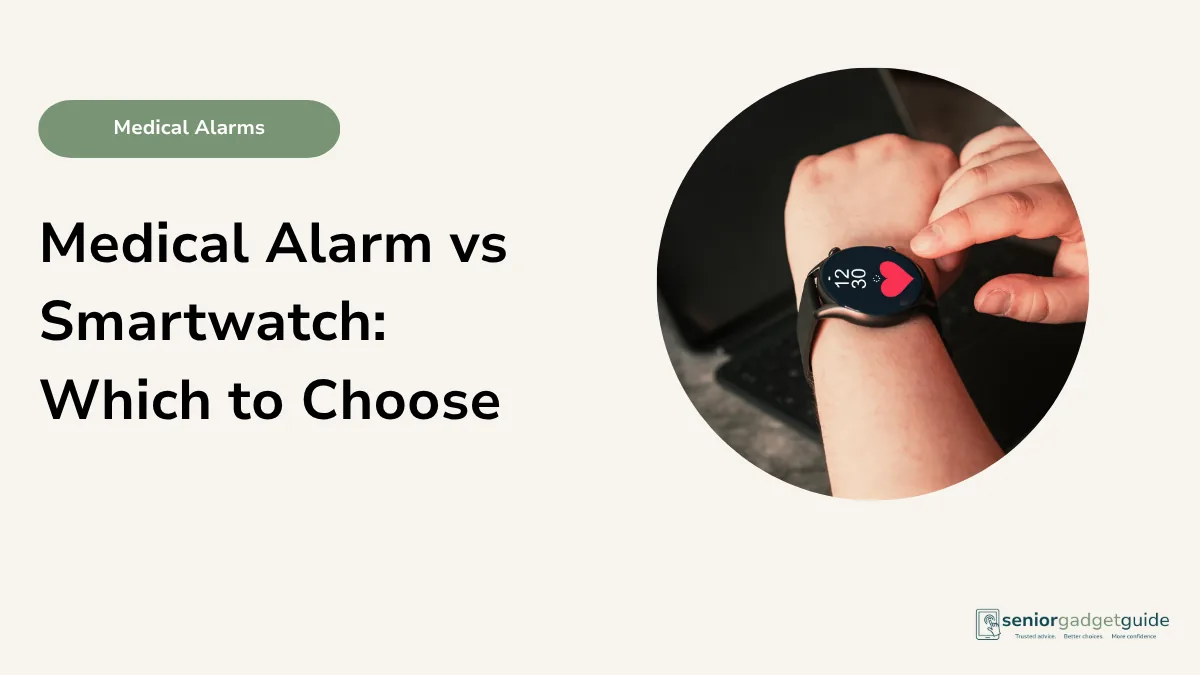
Some people will wear a watch all day without a second thought, but baulk at a pendant around the neck. If that sounds like your parent, a medical alarm in watch form can be the answer. It looks like an ordinary watch, it goes on in the morning and stays on, and it puts help on the wrist: an SOS button, often GPS and fall detection, and a way to talk to someone when it matters. The trick is knowing which kind of watch does what, because “medical alarm watch” covers three quite different things.
This guide sorts them out in plain English: the professionally monitored alarm worn on the wrist, the self-monitored alarm watch with no monthly fee, and the everyday smartwatch with an emergency feature built in. Each suits a different person, and the right choice depends mostly on who you want to answer when the button is pressed. This is decision support, not medical advice.
Quick answer
If the priority is a trained team answering any time, choose a professionally monitored alarm watch such as the MePACS Solo Connect, the INS LifeGuard SafetyWatch or a Tunstall watch. If the family want to be the responders and avoid monthly fees, a self-monitored alarm watch such as LiveLife suits, with SOS, GPS, fall detection and two-way talk that calls Triple Zero (000) and your contacts. And if the person is comfortable with technology, an Apple Watch or Samsung Galaxy Watch has fall detection and an emergency call built in.
How the three types compare
The big question is who answers the call. That decides everything else.
| What matters to you | Better fit |
|---|---|
| A trained centre answers any time, day or night | A professionally monitored alarm watch |
| Family want to respond, and no monthly fees | A self-monitored alarm watch (LiveLife) |
| Comfortable with technology, wants an everyday watch too | An Apple Watch or Samsung Galaxy Watch |
| Lives alone with little nearby family support | A professionally monitored alarm, every time |
What matters most
Who answers when the button is pressed
This is the heart of it. A professionally monitored alarm reaches a staffed centre that answers around the clock, talks to the person, and sends help, even at three in the morning when the family are asleep. A self-monitored watch instead alerts your nominated people directly, by call or text with the location, so it depends on someone in the family being reachable and able to act. A smartwatch can call the emergency services itself and notify contacts, but it leans on the wearer to set it up and manage it. For someone living alone with little nearby support, professional monitoring is the safe answer.
The watch has to be worn and charged
A watch wins points here, because many people who will not wear a pendant will happily wear a watch. But a watch with a mobile connection, GPS and fall detection has a battery to keep charged, usually daily. If charging will become a forgotten chore, a plugged-in home alarm or a simple pendant may be more dependable. Be honest about the person and their habits, not the gadget and its features.
Fall detection and GPS
The better alarm watches add fall detection, which can raise the alarm if the person falls and cannot press the button, and GPS, which lets a responder find them away from home. Both are genuinely useful for an active person. Remember the same caveat as any fall detection: it catches a hard fall well but can miss a gentle one, so it is a backup to the button rather than a replacement. Our fall detection guide covers this in full.
Two-way talk on the wrist
The most reassuring watches let the person talk to the responder through the watch itself, hands free. After a fall, hearing a calm voice say help is coming makes all the difference. Look for two-way voice if you can, on whichever type of watch you choose.
The three options in Australia
A professionally monitored alarm watch
The established providers build their service around a monitored response, and several offer the alarm as a watch rather than a neck pendant. The MePACS Solo Connect, the INS LifeGuard SafetyWatch, answered by registered nurses, and Tunstall’s personal alarm watch all give you the gold-standard response of a staffed centre, with the comfort of wearing it like a watch. These are usually a monthly service, sometimes with a one-off device cost, and My Aged Care can often help with the cost.
May suit someone who
Lives alone or wants a trained team answering at any hour, but prefers something on the wrist.
Things to check
Ask each provider about fall detection and two-way talk on the watch, the battery life, and the monthly cost versus any one-off device price.
Plain-English verdict
The safest response of the three. The right choice for anyone living alone.
LiveLife (self-monitored alarm watch)
LiveLife is an Australian device that can be worn as a watch, with an SOS button, GPS, fall detection and two-way voice. When the button is pressed or a fall is sensed, it calls Triple Zero (000) and alerts up to six nominated family and friends with the person’s location. Its big draw is that there are no monthly monitoring fees, since the family are the responders, though you can add professional 24/7 monitoring later if you want it. That suits a close family who can be reached and want to be the first to know. The 2026 LiveLife watch adds a side button to end a call quickly. National Health Australia is another self-monitored option in this style, with a 4G medical watch whose 2026 models added voice prompts and more accurate fall detection.
May suit someone who
Has nearby, reachable family who want to respond, and would rather avoid an ongoing monthly fee.
Things to check
It depends on family being available to answer, so it is less suited to someone with little support nearby. Confirm coverage and the charging routine.
Plain-English verdict
A clever, low-cost option for a hands-on family. Just be sure someone will always answer.
Apple Watch or Samsung Galaxy Watch
A modern smartwatch is not a medical alarm, but it can do a surprising amount. Both the Apple Watch and Samsung’s Galaxy Watch have fall detection and an emergency call feature that can ring Triple Zero (000) and message your contacts with your location. They also do everything else a smartwatch does, from messages to reminders to step counting. The catch is that they suit a person comfortable with technology, who will charge and manage the watch. They are covered in our smartwatches for seniors guide.
May suit someone who
Is fairly confident with technology and wants an everyday smartwatch with an emergency feature, rather than a dedicated alarm.
Things to check
It is not monitored by anyone, so there is no team on the other end, only the emergency services and your contacts. It needs daily charging and some setup.
Plain-English verdict
Great for the tech-comfortable, but not a substitute for a monitored alarm if response is the priority.
Alarm watch checklist
- Decide who should answer: a trained centre, the family, or the emergency services.
- Professionally monitored for anyone living alone.
- Look for fall detection, GPS and two-way talk.
- Be sure the daily charging will get done.
- For a monitored watch, ask My Aged Care about funding.
Before you finish
Download the free Family Tech Safety Checklist to help check phone safety, passwords, scam messages, emergency contacts and medical alarm details.
The best overall
If you want one rule, let the response decide. For anyone living alone, choose a professionally monitored alarm watch such as the MePACS Solo Connect or INS LifeGuard SafetyWatch, so a trained team answers at any hour. For a close, reachable family who want to be the responders and skip the monthly fee, a self-monitored watch like LiveLife is a smart buy. And for the tech-comfortable who want a proper smartwatch as well, an Apple or Samsung watch with fall detection does a great deal. Match the watch to the person, and to who you trust to answer.
Our recommendation
For living alone, a professionally monitored alarm watch such as the MePACS Solo Connect, INS LifeGuard SafetyWatch or a Tunstall watch. For a hands-on family wanting no monthly fee, a self-monitored watch like LiveLife. For the tech-comfortable, an Apple Watch or Samsung Galaxy Watch with fall detection. Look for two-way talk, make sure it gets charged, and ask My Aged Care about funding for a monitored watch.
Next steps
If the person lives alone, start with our guide to medical alarms for living alone. To weigh up an everyday smartwatch, see best smartwatches for seniors, and for the wider picture, our main medical alarms guide. There is more in our medical alarms guides.
FAQ: medical alarm watches
What is the difference between a medical alarm watch and a smartwatch?
A medical alarm watch is built mainly for emergencies, with an SOS button and often professional or family monitoring. A smartwatch like an Apple Watch does many things and has an emergency feature, but it is not a monitored alarm.
Is a watch better than a pendant?
Only if the person will wear it. Many people prefer a watch to a pendant, which is the whole point. What matters more is who answers the call and that it is worn and charged.
What does self-monitored mean?
It means the alarm alerts your nominated family or friends directly, and can call Triple Zero, rather than a paid monitoring centre. There is no monthly fee, but it relies on someone in the family being reachable to respond.
Can I get funding for an alarm watch?
My Aged Care can often help with the ongoing cost of a monitored alarm watch through Support at Home or the Commonwealth Home Support Programme. A one-off purchase device with no monthly fee works differently, so ask the provider and My Aged Care what applies.
Do alarm watches need charging?
Yes. A watch with a mobile connection, GPS and fall detection usually needs charging each day. If that would be hard to keep up, a plugged-in home alarm may be more reliable.