Best Simple Phones for Seniors in Australia
The best phone for an older person is rarely the newest or the dearest. It is the one that is easiest to answer, easiest to read, loud enough to hear, and simple enough to use every day. For extra peace of mind, it is also worth reading about medical alarms in Australia.
Some people only want calls and texts. Others want video calling, photos, the family group chat, a banking app or Google Maps. This guide runs through the main types of simple phone you can buy in Australia, what they cost, and what to check before you hand one over. If you are choosing for an older parent, our guide on how to choose a phone for an older parent in Australia walks through the decision step by step.
Which simple phones work on Telstra, Optus and TPG?
Every phone in this guide works on Australia’s main networks, Telstra, Optus and TPG, as long as it supports 4G calling. There is no such thing as needing a special “Telstra phone.” Any unlocked 4G phone, or one bought from the provider itself, will work on their SIM or plan.
One thing worth checking, especially second hand: the phone needs to support 4G calling. Australia’s 3G networks have closed, so a very old 3G-only handset will not make calls. Any current phone is fine. It is mainly old or cheap imported models that catch people out. Buying from your own provider can also be handy when you want the phone and the plan set up together, with someone on hand to help.
Quick picks
| Best for | Good option to consider |
|---|---|
| Simple calls and texts | Alcatel 30.82 4G Flip Phone |
| Large-button flip phone | Alcatel 30.82 4G Flip Phone |
| Easy Android smartphone | Samsung Galaxy A-series phone |
| Easy Apple phone | iPhone 16e or a refurbished iPhone |
| Home phone with louder sound | Panasonic amplified cordless phone |
| Best for video calls | iPhone, iPad, or Samsung smartphone |
| Best for family support | The phone type the family already understands |
Prices, availability and model names change. Always check current stock, network support and return policies before buying.
Best basic flip phone: Alcatel 30.82 4G Flip Phone
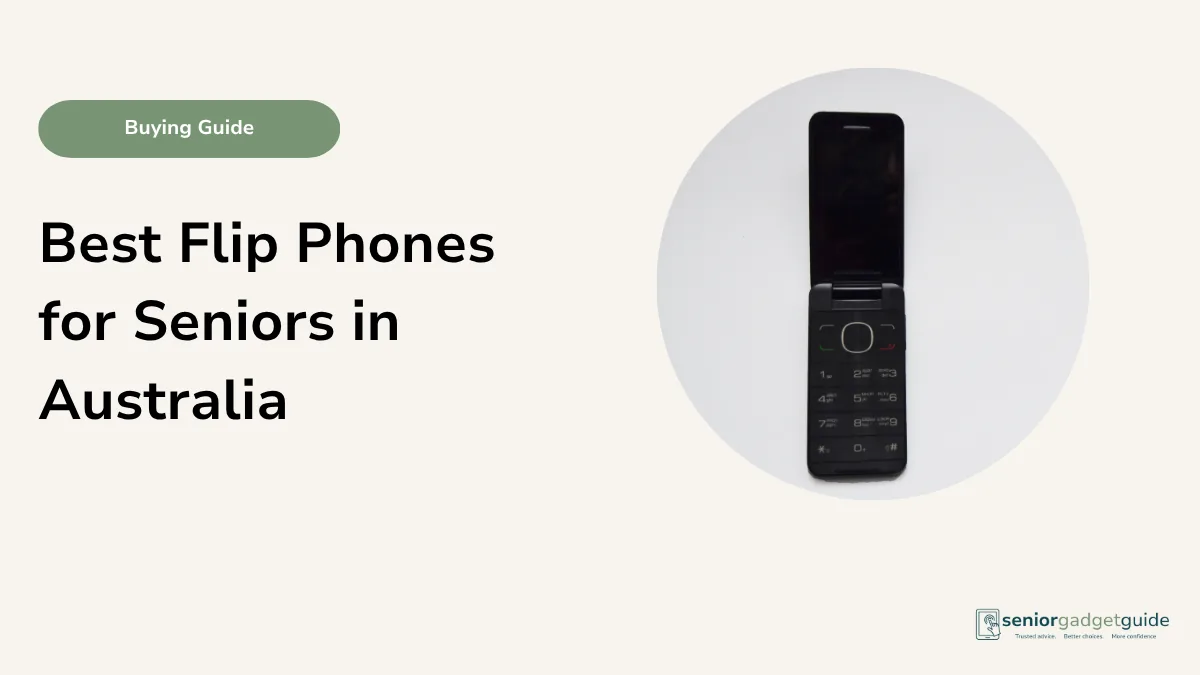
If all someone wants is calls and texts, a flip phone like the Alcatel 30.82 is usually the simplest answer. At around $99 from Big W, Harvey Norman or JB Hi-Fi, it has physical buttons, a clear colour screen, a charging cradle, 4G calling and hearing aid compatibility, and the battery lasts days rather than hours. Our full guide to the best flip phones for seniors in Australia covers the alternatives.
The appeal is the shape. Opening the phone answers a call and closing it hangs up, which feels natural to anyone who grew up with a landline. There is no home screen to get lost in and nothing to tap by accident. For an older parent who finds a touchscreen fiddly, that simplicity is the whole point.
Things to check before buying a flip phone
A few quick checks before you buy, whether in store or online:
- Is it locked to one provider, or unlocked?
- Does it support 4G calling in Australia?
- Are the buttons large enough and the screen easy to read?
- Is the ringtone loud enough?
- Is texting manageable for the person using it?
- Does it come with a charging cradle?
Best simple smartphone: Samsung Galaxy A-series
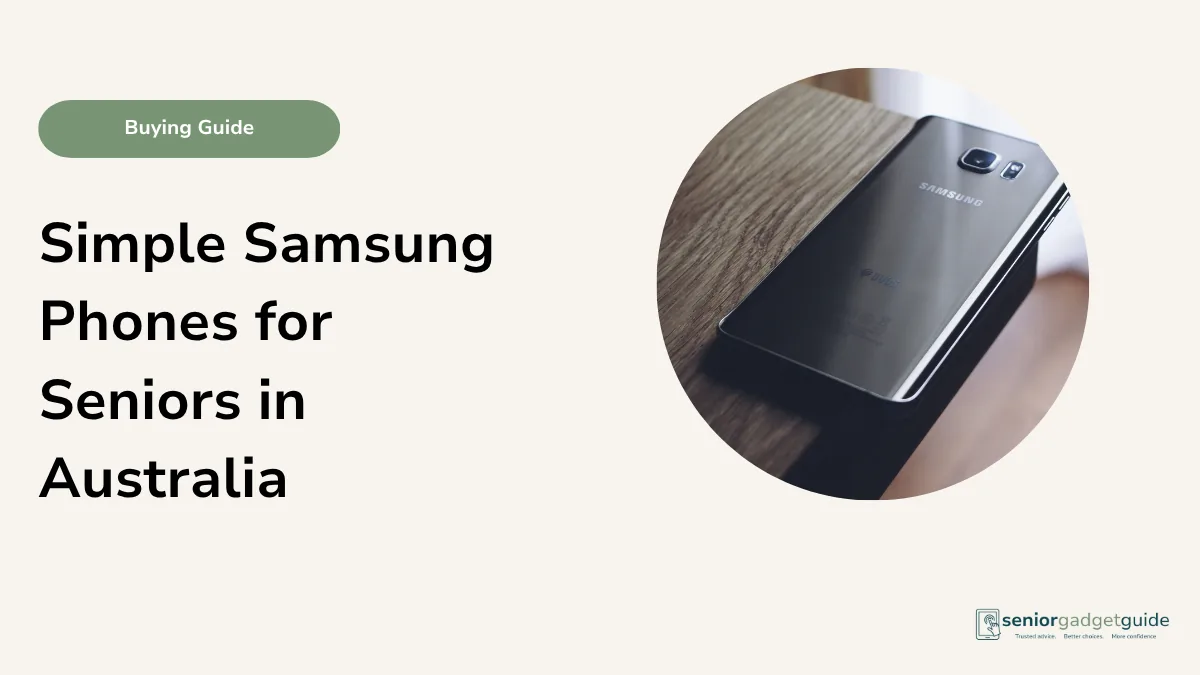
If you want a proper smartphone without paying premium prices, the Galaxy A-series is the easiest place to start. It does everything most people actually use a phone for: video calls, texts, photos, email, maps, banking and the family group chat. The screen is large, the text size adjusts easily, and the battery comfortably lasts the day. It runs standard Android, so anyone in the family with an Android phone can help. Our guide to simple Samsung phones for seniors covers which model to pick.
The catch is not the phone, it is the setup. Out of the box it arrives cluttered with apps and notifications, and that is what overwhelms people. The most common mistake is handing it over untouched. Spend ten minutes first: make the text bigger, clear off the apps they will never use, put the people who matter on the front screen, set up emergency contacts and video calling, and turn the notifications down. Then test a call, a text and the speaker volume together before you leave.
Best Apple phone: iPhone 16e or a refurbished iPhone
An iPhone makes the most sense when the family already uses Apple. The real advantage is support: if the children or grandchildren are on iPhones, they can sort out FaceTime, iCloud, photos and the occasional hiccup without having to learn a new system first. It is also strong on the things that matter here, with large clear text, a tidy layout and good security on recent models.
Apple has stopped making the small iPhone SE. The most affordable new iPhone now is the iPhone 16e, a full-screen phone from around $1,199. For a lot of older people, though, a refurbished recent iPhone, such as an iPhone 13 or 14 from a seller like JB Hi-Fi, Reebelo or Amazon, is the smarter buy: a larger screen for less money. If you go refurbished, check the battery health, the warranty and return policy, that it still gets software updates, and that it is unlocked and supports 4G calling. Once it is set up, our guide on how to make an iPhone easier for seniors shows which settings to change.
Best home phone for hearing support: Panasonic amplified cordless phone
Some people still prefer a cordless home phone, especially if most of their calls happen from the armchair. An amplified model is the one to look at when normal phones are simply too quiet. It has a loud ringer, boosted call volume, big buttons, one-touch memory keys for the people they ring most, and a speakerphone. Panasonic’s amplified cordless range is the usual starting point, and our guide to the best home phones for seniors covers more options.
One thing to keep in mind: a home phone is not a substitute for a mobile out of the house. It is worth checking it still works in a power cut, that the ringer is loud enough, and that emergency contacts can be saved somewhere easy to reach.
Simple phone or smartphone?
It comes down to what the person actually wants to do. A simple button phone is the right call if they mainly want calls and basic texts, prefer physical buttons, find touchscreens confusing, and would rather have long battery life and fewer distractions than apps.
A smartphone is worth it if they want video calls and the family group chat, photos and email, maps or transport apps, or banking and health apps, and they have someone who can help set it up. A smartphone can be made far easier with the right setup, and most people grow into it quickly. If you are leaning that way, see our guide to the best smartphone for seniors in Australia.
Features to look for
Whatever type of phone you settle on, a few practical things make the difference between one that gets used and one that ends up in a drawer.
A large, clear screen
A bigger screen makes contacts, messages and caller names far easier to read. On a smartphone, check the text size can be turned up, and turn it up before handing it over.
A loud speaker and ringtone
Test the ringtone, the call volume and the speakerphone in person if you can. If the person has any hearing difficulty, do not trust the product description alone; ring it and listen.
Easy charging
A charging cradle is a real help on a basic phone, since it is just drop-in and lift-out. On a smartphone, a long cable or a charging stand kept in one obvious spot saves a lot of “where’s my charger” moments, and wireless charging is handy if the phone supports it.
Battery that lasts the day
A phone that keeps going flat becomes a phone people stop trusting. Look for one that comfortably gets through a full day on a charge.
Easy emergency contacts
The phone should make it simple to reach family or emergency services. Set up favourite contacts, emergency details, and a Medical ID and lock-screen information where the phone supports it. On iPhone, our guide on how to add emergency contacts on iPhone shows how.
Setup tips for families
The setup matters as much as the phone itself. Before you hand it over, work through this:
- Charge it fully
- Increase the text size
- Add important contacts
- Remove apps they will not use
- Set up voicemail
- Set up video calling if needed
- Turn off distracting notifications
- Test the ringtone and speaker volume
- Write down a few simple instructions
- Practise making and answering calls together
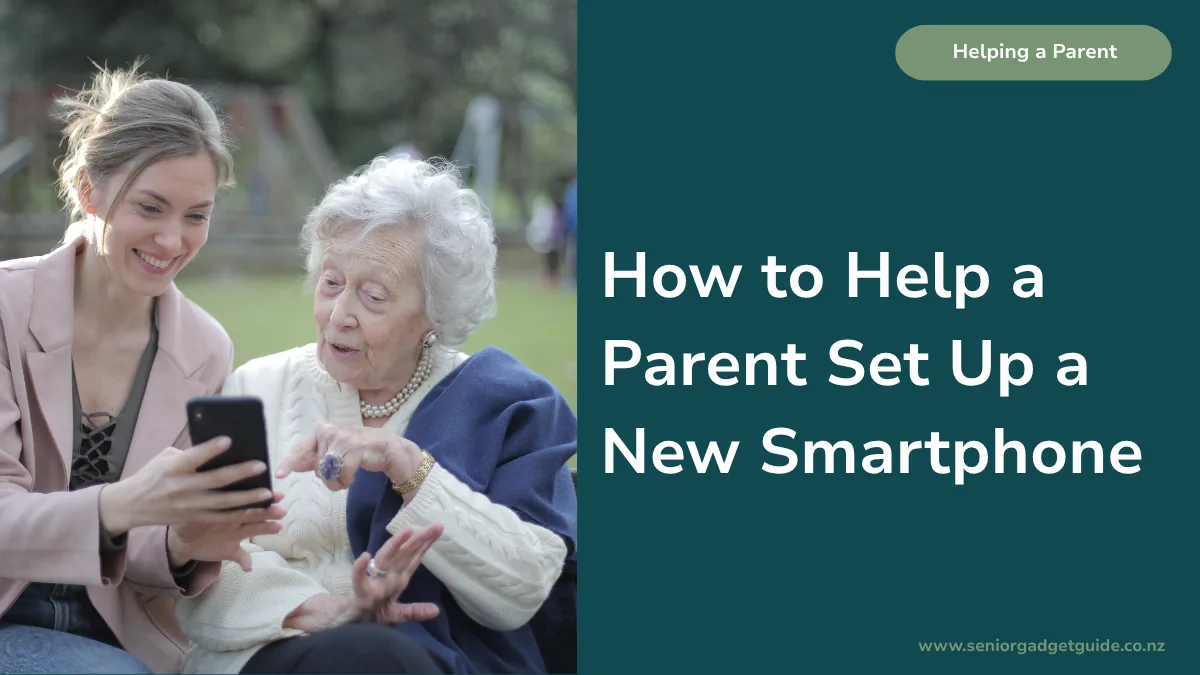
For a full walkthrough, see how to help a parent set up a new smartphone.
Questions to ask before buying
A quick checklist to run through in-store or online:
- Does it support 4G calling in Australia?
- Is it locked to a provider, or unlocked?
- Does it work with Telstra, Optus, TPG, or whichever provider you use?
- Is the screen easy to read and are the buttons or icons big enough?
- Is the ringtone loud enough?
- Can family help support it?
- Is there a simple returns policy and a warranty?
- Is charging easy, and can emergency contacts be set up clearly?
Your rights if something goes wrong
Whichever phone you choose, it helps to know the law in Australia is on your side. Under the Australian Consumer Law, a phone bought from a shop comes with automatic consumer guarantees: it must be of acceptable quality and last a reasonable time. These guarantees sit on top of any manufacturer’s warranty, and they can outlast it, so a phone that fails too soon is the seller’s responsibility even after the warranty year has passed. The same protection applies to a refurbished phone bought from a business, though not to a private cash sale with a stranger.
Your agreement is with the shop or provider that sold it, so that is where you go if there is a problem. For a minor fault they may repair it; for a major failure you can choose a refund or a replacement. Keep your receipt, and if a seller will not help you can escalate to your state consumer body, such as NSW Fair Trading or Consumer Affairs Victoria, or the ACCC at accc.gov.au.
Final thoughts
The best simple phone really does depend on the person. For basic calls and texts, a $99 4G flip phone is plenty. For video calls, photos and apps, a Samsung Galaxy A-series or an iPhone will serve them better. For calling from home with hearing support, an amplified cordless phone is worth a look. The best phone is not the one with the most features. It is the one the person can use confidently, safely and every day.