Best iPads for Seniors in Australia: Simple Buying Guide
An iPad is one of the loveliest things an older person can own. The big, bright screen is easy on the eyes, video calls with the grandchildren are simple, and there is room to read, watch and potter about online without the squint of a phone. As with iPhones, the hard part is not using one. It is choosing which iPad, when Apple sells several at very different prices.
The good news is the same as with the phones. The cheapest current iPad does almost everything the dearest one does, and for an older user the difference barely shows. This guide explains which iPad suits, what is worth paying for, and what is not. We do not quote exact prices, since they change. We point you to where to check.
Quick answer
For almost every older Australian, the standard iPad, the everyday model with the A16 chip, is the one to buy. It has a large, clear screen, the same easy tools as every other iPad, and it costs far less than the fancier models. The iPad Air is a nice step up if the budget is comfortable. The small iPad mini suits only those who want something pocketable, since the smaller screen is harder for older eyes. Skip the expensive iPad Pro. Buy from Officeworks, JB Hi-Fi, Harvey Norman, The Good Guys or an Apple Store.
How the main options compare
| What they want | Better fit |
|---|---|
| A great iPad for the least money | The standard iPad (A16) |
| A little more screen and speed | iPad Air |
| Something small and pocketable to carry | iPad mini, but mind the smaller screen |
| The cheapest possible large tablet | A budget Android tablet, or a refurbished iPad |
What actually matters when choosing an iPad
They are all easy to use
Every iPad runs the same software and has the same tools for making text larger, magnifying, calling the family and reading comfortably. An older person will not feel any difference in daily use between the cheapest iPad and the dearest. So, as with the iPhone, you are really only choosing screen size and how long it will last.
Screen size
For older eyes, bigger is usually better, which is exactly why an iPad beats a phone for reading and watching. The standard iPad and the Air both have a generous screen that suits most people beautifully. The iPad mini is much smaller, closer to a large phone, so it is only the right choice for someone who specifically wants something small to carry, and it asks more of the eyes.
How long it will keep working
iPads last for years and Apple keeps them updated for a long time. Buying a current model means more years of safe, smooth use before you need to think about it again. For someone who wants to buy once and forget, that matters more than any single feature.
Wi-Fi or mobile data
Most people only need the Wi-Fi version, which uses the home internet and costs less. A version with mobile data, which takes a SIM like a phone, is only worth it for someone who will use the iPad out and about, away from Wi-Fi, often. For an iPad that mostly lives at home, save the money and choose Wi-Fi.
The best iPads for older Australians
The standard iPad, the one to buy
The everyday iPad, the current model with the A16 chip, is all the iPad almost anyone needs. It has a large, bright screen, the same easy tools as the pricier models, a battery that lasts for hours of reading and watching, and years of updates ahead of it. For video calls, photos, news, games, reading and keeping in touch, it is perfect, and it costs a good deal less than the Air or the Pro. This is the safe, sensible choice for most older people.
May suit someone who
Wants a proper iPad for the family video call, reading and watching, without paying for features they will not use.
Things to check
The Wi-Fi version is right for most. Set up the larger text and a simple home screen before handing it over. Our guide on making an iPad easier to use walks through it.
Plain-English verdict
The best-value iPad for almost everyone. Does everything that matters, for far less than the top models.
iPad Air, the comfortable step up
The iPad Air costs more and gives you a slightly nicer screen and more speed. An older user will not notice the extra power in everyday use, but the screen is lovely, and if the budget is comfortable it is a pleasant upgrade. It is not necessary, just nice.
May suit someone who
Wants a bit more than the standard model and has the budget for it, perhaps as a special gift.
Things to check
Be honest about whether the extra over the standard iPad is worth it for how the iPad will be used. For most gentle use, the cheaper model is just as happy.
Plain-English verdict
A lovely upgrade if the budget allows, but not essential. The standard iPad does the same daily job.
iPad mini, only for carrying about
The iPad mini is small and light, which makes it easy to carry in a handbag or take out and about. That is its one real advantage. The trade-off is the small screen, which is harder for older eyes and loses much of the reason to choose an iPad over a phone in the first place. Pick it only if portability genuinely matters more than screen size.
May suit someone who
Wants something small and light to carry everywhere, and does not mind a smaller screen.
Things to check
Hold one first and read a page on it. If the smaller text is a strain, the standard iPad is the better choice.
Plain-English verdict
Great for carrying, less so for older eyes. Most people are better off with the larger standard iPad.
A note on older and refurbished iPads
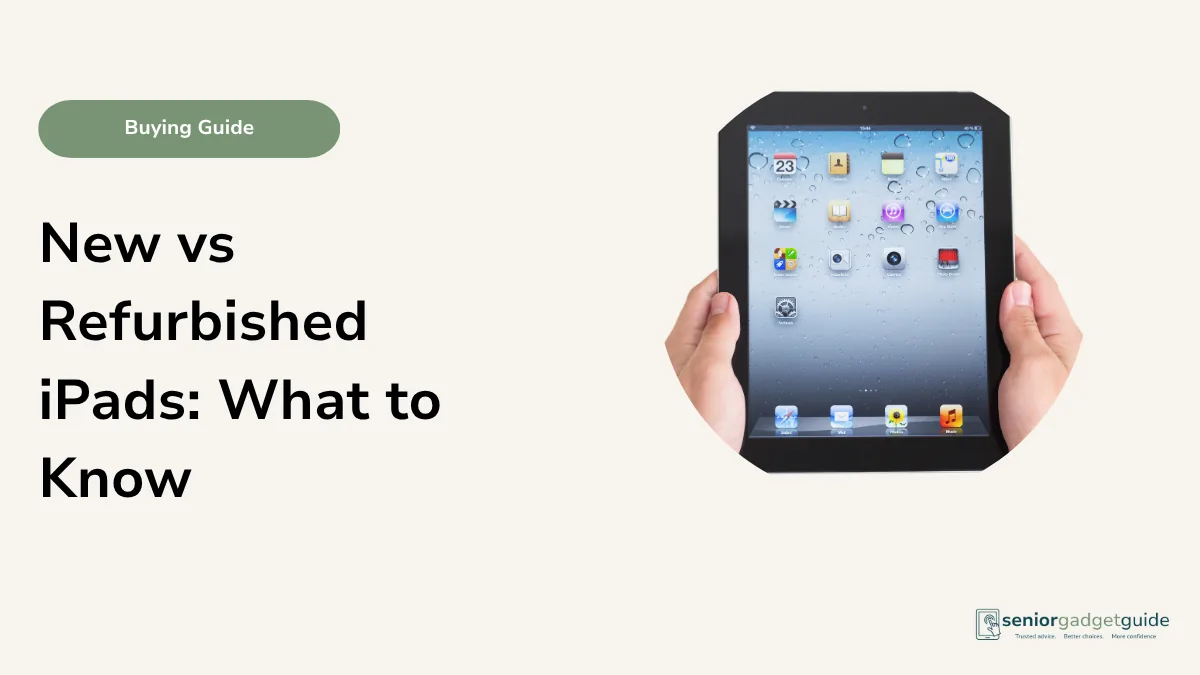
A refurbished iPad from a year or two ago can be excellent value, and reputable Australian sellers test and warranty them. The thing to check is how many more years of Apple updates it has left, since that is what keeps it safe and smooth. A model only a couple of years old is usually a great buy. Buy from a seller with a clear warranty, such as Apple’s own Certified Refurbished store, and avoid private cash sales.
Your rights if something goes wrong
Whichever iPad you choose and wherever you buy it, the Australian Consumer Law is on your side. Anything sold by a business in Australia comes with automatic consumer guarantees: it must be of acceptable quality, match how it was described, and do what was promised. For a product as dear and long-lived as an iPad, these guarantees can stretch well beyond Apple’s standard one-year warranty, because the law looks at what a reasonable person would expect for the price. So even a couple of years on, a fault that should not have happened may still be the retailer’s responsibility to put right.
Your agreement is with the shop that sold you the iPad, whether that is Officeworks, JB Hi-Fi, Harvey Norman, The Good Guys or an Apple Store, so that is who you go back to. For a major failure you can ask for a refund or a replacement, and the choice is yours. AppleCare is an optional extra that can add cover and accidental-damage repairs, but you do not need it to be protected by the consumer guarantees. If a shop will not help, contact your state consumer body, such as NSW Fair Trading or Consumer Affairs Victoria, or the ACCC at accc.gov.au. Keep your receipt, as it is your proof of purchase.
iPad buying checklist
- The standard iPad suits most people, the Air if the budget allows.
- Choose the Wi-Fi version unless it will be used away from home a lot.
- A current model, or recent enough for years of updates.
- You are not paying for an iPad Pro the person will never stretch.
- Budget for a case and stand, and a little setup help.
Before you finish
Download the free Family Tech Safety Checklist to help check phone safety, passwords, scam messages, emergency contacts and medical alarm details.
Best overall iPad for seniors
For almost every older Australian, the standard iPad is the one to buy. It does everything that matters, shares the same easy tools as every other iPad, and costs far less than the Air or the Pro. Step up to the iPad Air only if the budget is comfortable and you want a slightly nicer screen. Choose the iPad mini only when carrying it about matters more than screen size. And remember a recent refurbished iPad can be a smart way to get more for less.
Our recommendation
Start with the standard iPad, Wi-Fi version, from Officeworks, JB Hi-Fi, Harvey Norman, The Good Guys or an Apple Store. Step up to the iPad Air only if the budget is comfortable, and choose the iPad mini only if portability is the priority. Then spend ten minutes on the setup, making the text large and the home screen simple, which matters more than the model. Ask about a Seniors Card or in-store discount before you pay.
Next steps
Not sure an iPad is the right choice over another tablet? See our comparison of tablet vs iPad for seniors, and our wider best tablets for seniors guide. Once you have one, our guide on setting up a new iPad for a parent helps. All of our tablet advice lives on the tablets and iPads hub.
FAQ: iPads for seniors
Which iPad is best for an older person?
The standard iPad, the everyday model. It does everything an older user needs, shares the same easy tools as the pricier ones, and costs much less. Step up only if you want a bigger or nicer screen.
Do I need the Wi-Fi or the mobile data version?
The Wi-Fi version for most people, since the iPad usually lives at home on the home internet. The mobile data version, which takes a SIM, is only worth it for someone who will use it out and about a lot.
Is the iPad mini a good choice for seniors?
Only if carrying it about matters most. Its small screen is harder for older eyes and loses much of the advantage an iPad has over a phone. Most people are happier with the larger standard iPad.
Is a refurbished iPad worth it?
Often yes, from a reputable seller like Apple’s Certified Refurbished store. Check how many years of updates it has left. A model a couple of years old is usually great value. Avoid private cash sales.
Where should I buy an iPad in Australia?
Officeworks, JB Hi-Fi, Harvey Norman, The Good Guys or an Apple Store. Buying from a main retailer means a local warranty and easy help. Ask about any Seniors Card or in-store discount before you pay.