The Best Apps for Seniors in Australia: A Simple Guide
An app is just a little program on a phone or tablet that does one job, like the bus timetable, the bank, or a video call with the grandchildren. The screen full of icons can look daunting, but you only need a handful of good ones. The right few turn a phone or tablet from a worry into a genuinely useful part of the day.
This guide gathers the apps that are actually useful to an older Australian, grouped by what they help with. They all work on both iPad and iPhone, and nearly all on Android tablets and phones too. Most are free. We point you to the ones worth having and how to get them safely.
Quick answer
The apps most older Australians get the most from are WhatsApp or FaceTime for family calls, your bank’s own app for everyday money, Woolworths or Coles for groceries, BOM Weather for the weather, Libby for free library books, and the Australia Post app for parcels. Add your local transport app and a news app, and that is a full, useful set. Always download apps only from the official App Store or Play Store, never from a link in a message.
A quick guide to what to use
| What you want to do | App to use |
|---|---|
| Call and message family | WhatsApp, FaceTime, Messenger |
| Check your money and pay bills | Your bank’s own app |
| Do the grocery shop | Woolworths, Coles |
| Read free library books | Libby |
| Track a parcel | Australia Post |
Keeping in touch with family
This is the one that matters most. WhatsApp is the most common choice in Australia because it works on everything, Apple and Android alike, for free messages, photos, and voice and video calls. If the whole family is on iPhones and iPads, FaceTime is built in and could not be simpler. Messenger is handy for anyone who uses Facebook. Pick whichever the family already uses, and you are halfway there. Our guide on setting up WhatsApp walks through it.
Money and shopping
Your bank’s own app is the safe way to check your balance, move money and pay bills from your chair. The CommBank, NAB, ANZ and Westpac apps all do the same simple jobs, as do the smaller banks and credit unions. Only ever install your bank’s app from the official store, never from a link in a text or email. For groceries, the Woolworths app, along with Coles, lets you shop from home for delivery or click and collect, and keep your loyalty card in your pocket. If you are new to banking on a device, our guide to online banking safety is worth a read first.
Out and about
BOM Weather is the Bureau of Meteorology’s official app, good for the forecast and any warnings before you head out. Google Maps shows you the way and finds a phone number or opening hours for a shop. For buses and trains, your state has its own app: Opal Travel in Sydney, PTV in Melbourne, TransLink in Brisbane, and similar apps elsewhere, all with timetables and live arrivals. The Australia Post app tracks a parcel so you know when to expect it.
Reading, news and entertainment
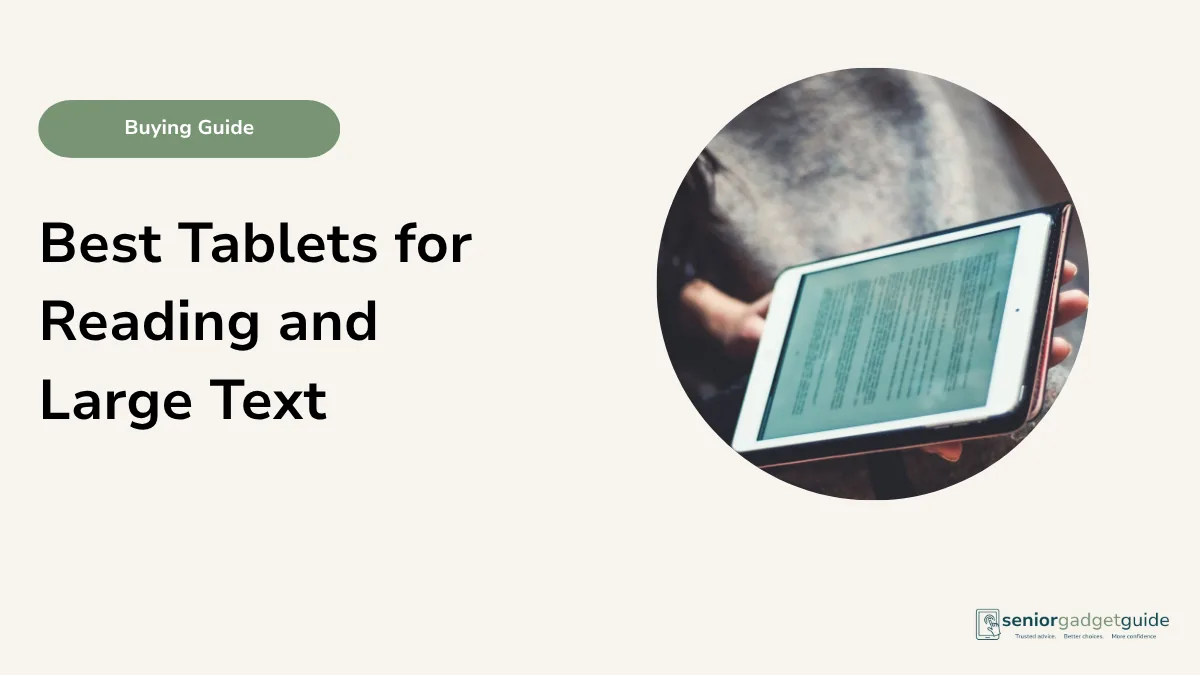
Libby is a quiet gem. With your library card it borrows eBooks and audiobooks from your local Australian library for free, with text you can make as large as you like. For news, ABC News, news.com.au and The Sydney Morning Herald all have apps. For watching, ABC iview and 7plus are free, and Netflix if you subscribe. If reading is a big part of the day, our guide to the best tablets for reading and large text goes further.
Helpers already on the device
Some of the most useful tools are already built in, no download needed. Magnifier turns the camera into a magnifying glass for a menu or a label. Notes and Reminders keep a shopping list or a medication reminder. The Camera and Photos hold the family pictures, and on an iPhone or iPad the Health app stores emergency details. Before hunting for new apps, it is worth knowing how good the built-in ones already are.
How to add apps safely
One simple rule keeps you safe: only ever get apps from the official App Store on an iPhone or iPad, or the Play Store on Android. These are the shops Apple and Google run, and the apps in them are checked. Never install an app from a link in a text, an email, or a pop-up, no matter how official it looks, as that is how scammers slip bad software onto a device. Our step-by-step guide on downloading an app safely shows exactly how.
A starter set of apps
- WhatsApp or FaceTime, for family calls and messages.
- Your bank’s own app, for everyday money.
- A supermarket app: Woolworths or Coles.
- BOM Weather for weather, and your local transport app.
- Libby for free library books, and a news app you like.
Before you finish
Download the free Family Tech Safety Checklist to help check phone safety, passwords, scam messages, emergency contacts and medical alarm details.
Start small
The most common mistake is filling a device with apps all at once. Start with one or two that solve a real need, the family calling app and the bank, say, and add others as the use for them comes up. A few apps you know well beat a screen full of ones you do not. Put the ones you use most on the front screen, make the text large, and the rest will follow naturally.
Our recommendation
Begin with WhatsApp or FaceTime and your bank’s app, the two most older people use daily. Add a supermarket app, BOM Weather, Libby and your local transport app as you go. Get every one of them only from the official App Store or Play Store, never a link in a message. Put your favourites on the front screen and make the text large, so the device works the way you do.
Next steps
New to a device? Our guide on downloading an app safely shows the how, and setting up WhatsApp gets the family calls going. Choosing the device itself? See our best tablets for seniors guide and best iPads for seniors guide. All of our tablet advice lives on the tablets and iPads hub.
FAQ: apps for seniors in Australia
What apps does an older person really need?
A family calling app like WhatsApp or FaceTime, your bank’s own app, a supermarket app, BOM Weather for weather, and Libby for library books. Add a transport and news app, and that is plenty.
Are these apps free?
Nearly all of them, yes. WhatsApp, FaceTime, your bank’s app, BOM Weather, Libby, Australia Post and the news apps cost nothing. A few, like Netflix, charge a subscription.
How do I download an app safely?
Only from the official App Store on an iPhone or iPad, or the Play Store on Android. Never from a link in a text, email or pop-up, as that is how scammers spread bad software.
Is it safe to do banking in an app?
Yes, your bank’s own app is one of the safest ways to bank, as long as you install it from the official store and keep your phone locked with a PIN or fingerprint. See our online banking safety guide.
Do these apps work on both iPad and Android?
Almost all of them work on iPhone, iPad and Android. A few, like FaceTime, are Apple only. The rest, including WhatsApp, your bank and Libby, work on everything.